Published on Wednesday, 22 April 2026 at 12:00:00 PM
Library app users - you may have noticed some changes!
If you were still using the Spydus Mobile app please be advised that this no longer available, as it is no longer supported by our Library Management System provider. Spydus Library has replaced it.
If you have been using Spydus Library - this app was recently upgraded!
The latest version of Spydus Library includes:
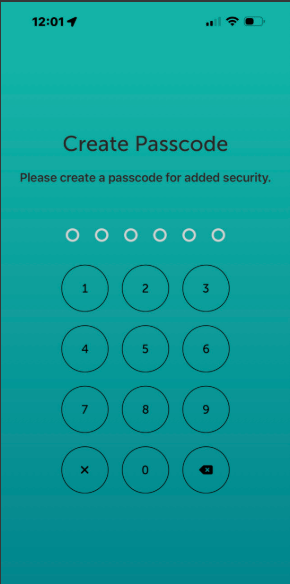
- Added biometrics and passcode lock to the app. The app will now display the Passcode screen on launch. Where biometrics is enabled as well - that is the default login behaviour, and passcode is the fallback if fingerprint/face recognition fails
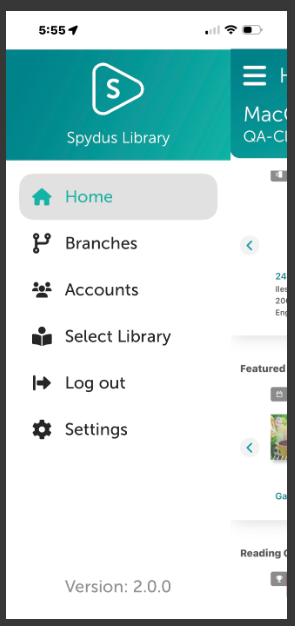
- Navigation and Dashboard menu changes e.g. Library app users now view their card details by tapping on the card profile icon in the Home 'header'. This used to be on the dashboard as a separate menu
- Improved display and layout e.g. the Back button has been moved from the header to the footer
- Bug fixes e.g. focus on ISBN scanning with newer Apple devices
Download the app from Google Play or Download from Apple App Store
Back to All News